
Installation
Get Radiant up and running on your Mac. The whole process takes just a few minutes, from download to first launch.
System Requirements
| Item | Requirement |
|---|---|
| OS | macOS 14.0 (Sonoma) or later |
| Chip | Apple Silicon and Intel Mac |
| Permissions | Accessibility permission (granted during setup) |
Download
Download the latest version from the official website.
- Visit radiantmenu.com
- Click the "Download" button

TIP
Radiant comes with a 30-day free trial. Try every feature before deciding to purchase.
Installation Steps
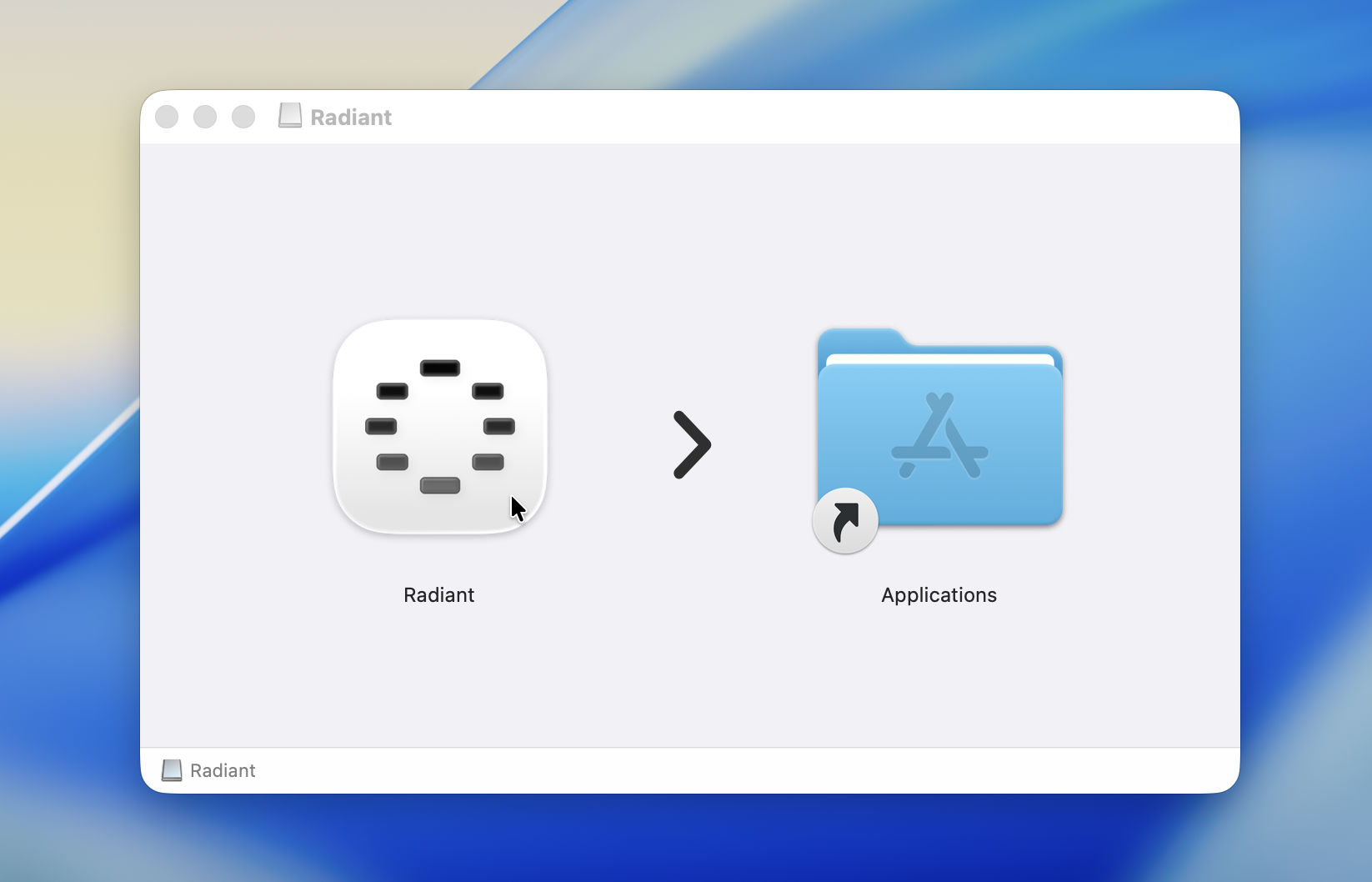
Open the downloaded
.dmgfileDrag the Radiant icon into the "Applications" folder
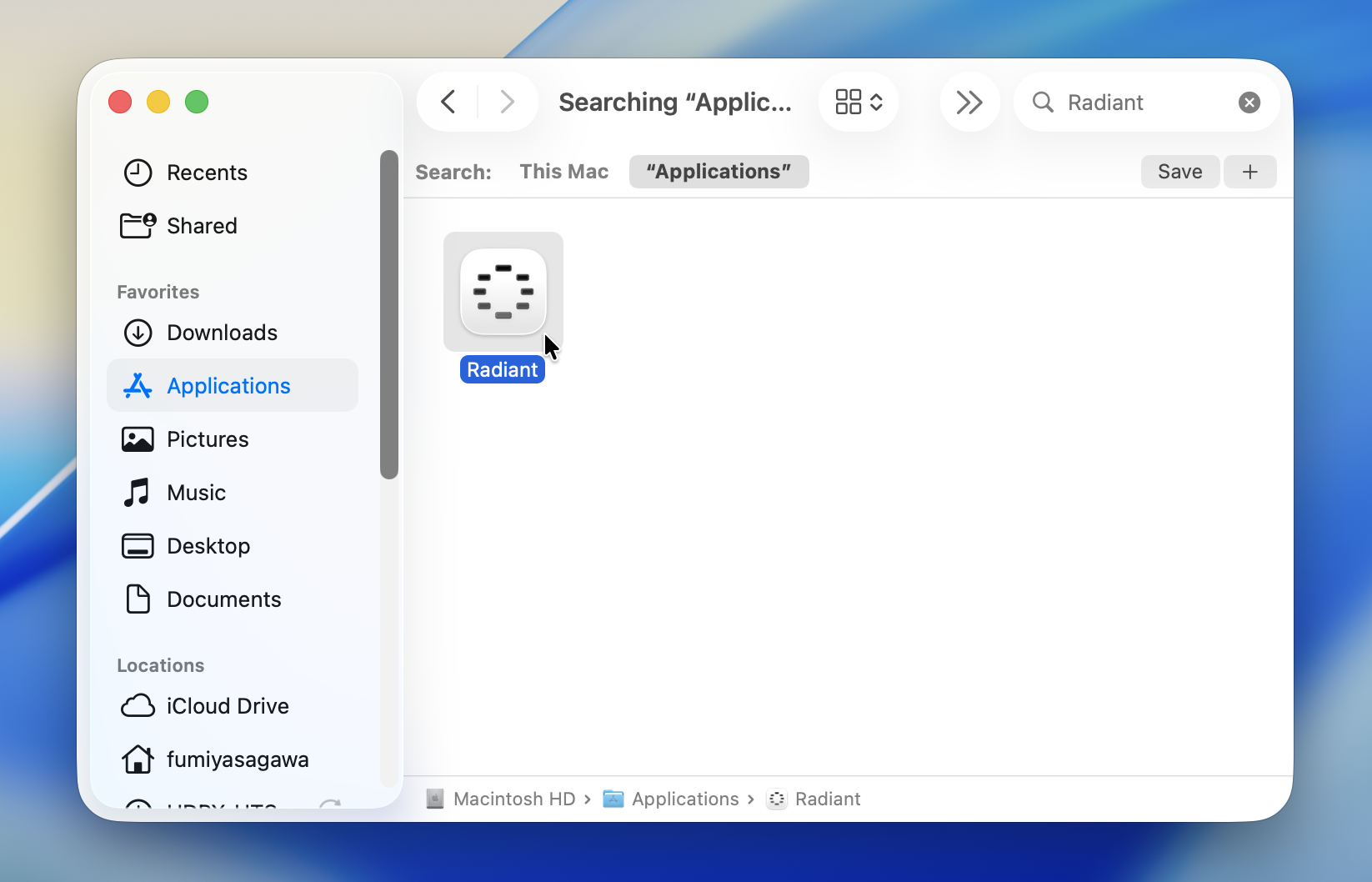
- Launch Radiant from the Applications folder
First Launch
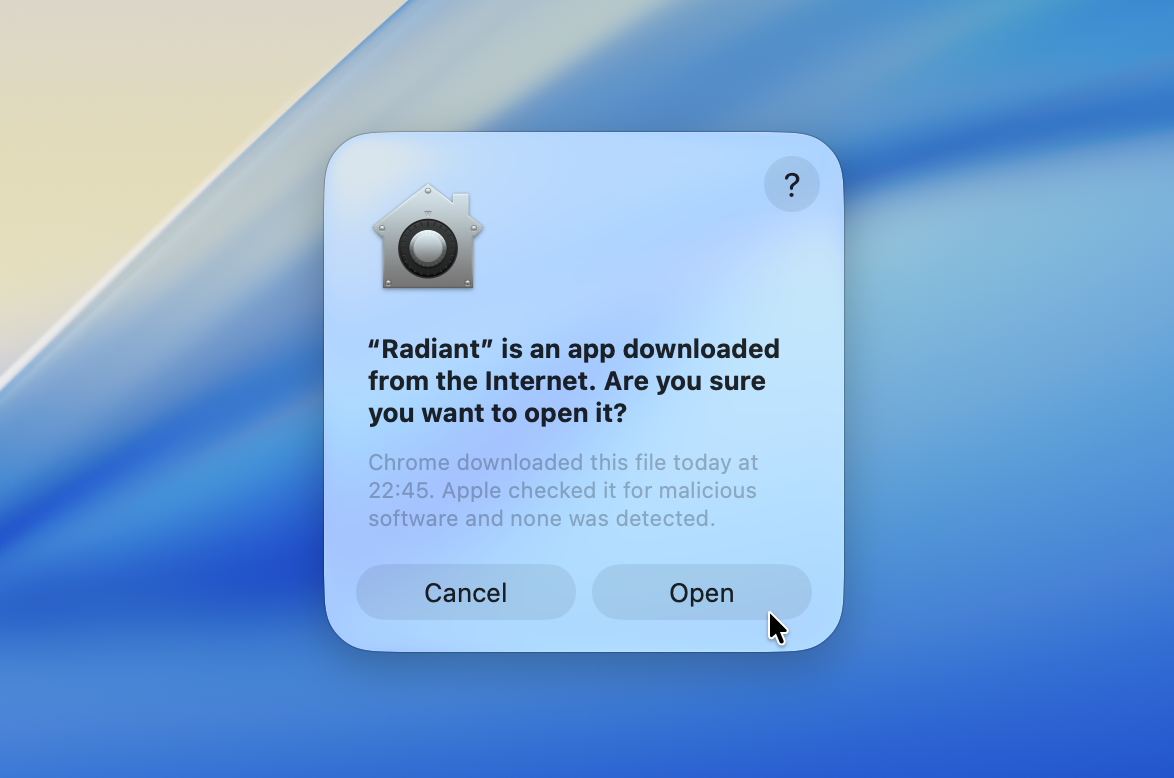
On first launch, a security confirmation dialog will appear. Click "Open" to proceed.
INFO
This dialog is a standard macOS prompt that appears for any app downloaded from the internet. Radiant is reviewed and verified by Apple.
After launching, you'll move on to setting up Accessibility permissions.