Menus Settings Overview
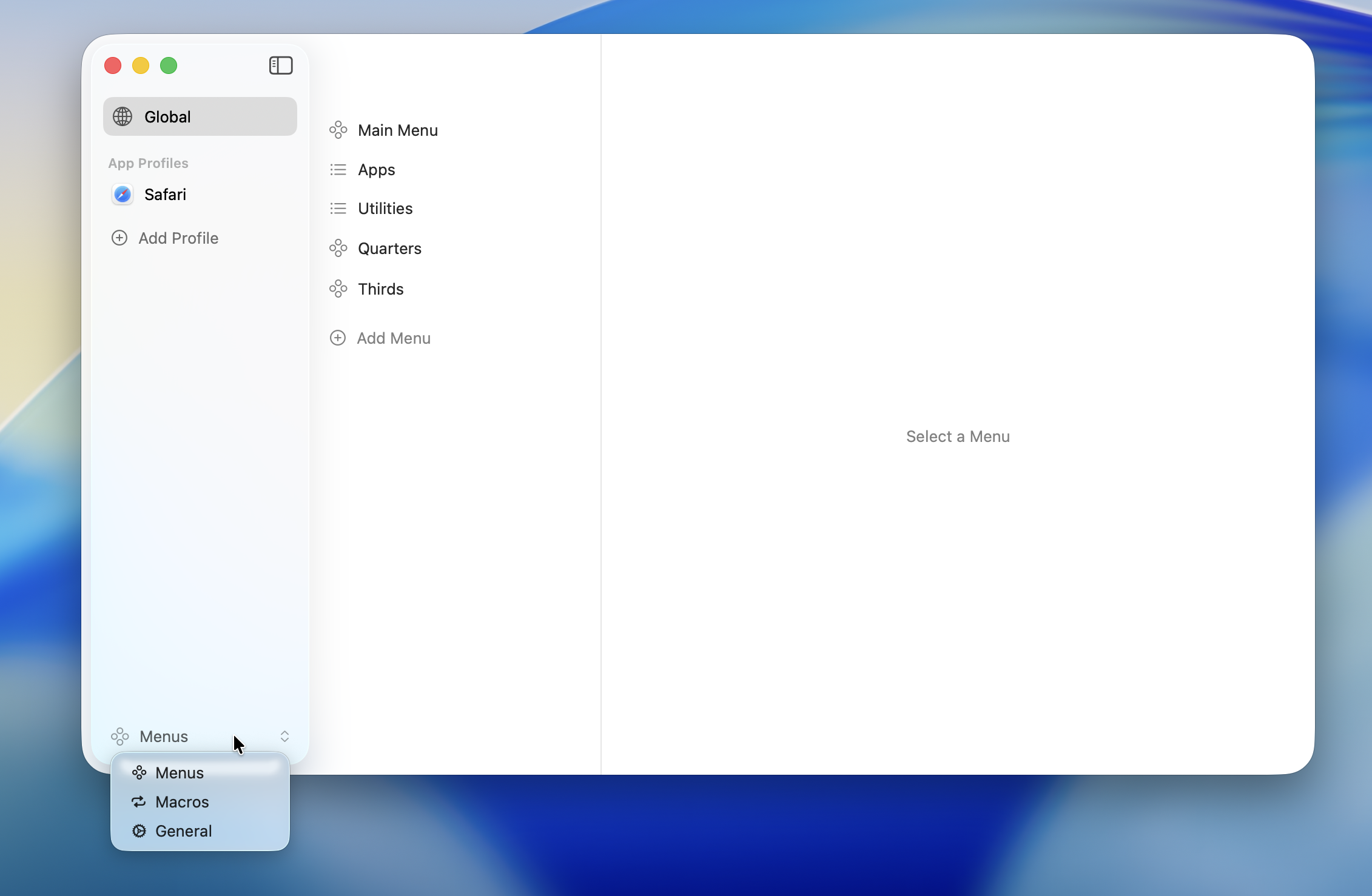
The Edit Menus screen manages three areas: App Profiles, Action Types, and Shortcuts.
App Profiles
A system for switching menu content per profile. Define menus common to all apps with the Global Profile, and customize for specific apps with app-specific profiles.
→ See App Profiles for details.
Action Types
The list of actions that can be assigned to menu items. Seven action types are available, including launching apps, opening URLs, sending keyboard shortcuts, and running macros.
→ See Action Types for details.
Hotkeys
Configure global hotkeys to invoke menus. Supports keyboard shortcuts, mouse buttons, and function keys.
→ See Hotkeys for details.
Configuration Flow
- Select (or create) a profile in App Profiles
- Add items to your menu and assign Action Types
- Set up Hotkeys to invoke the menu