
About
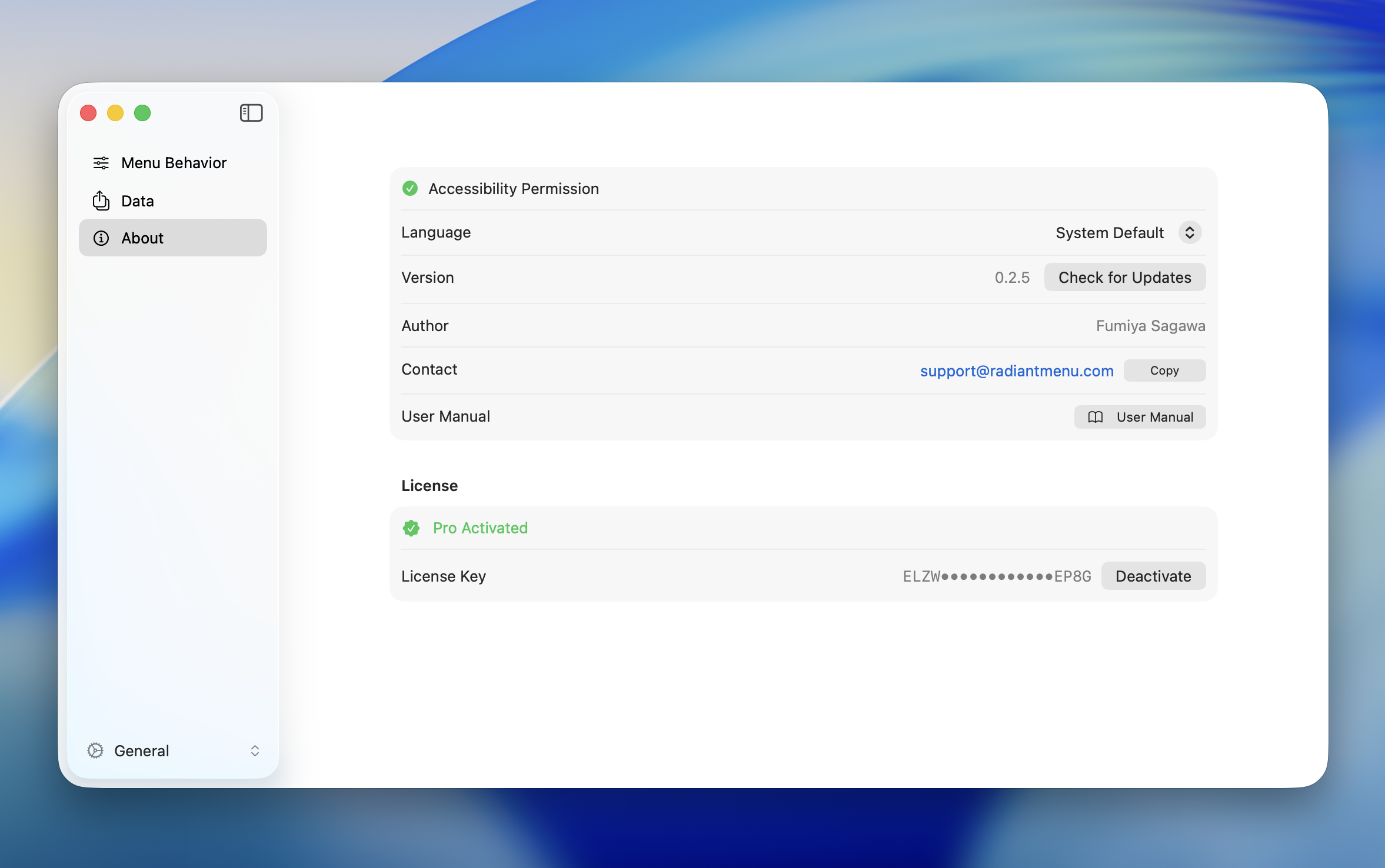
The About tab in Settings lets you check app information and manage your license.
Accessibility Permission
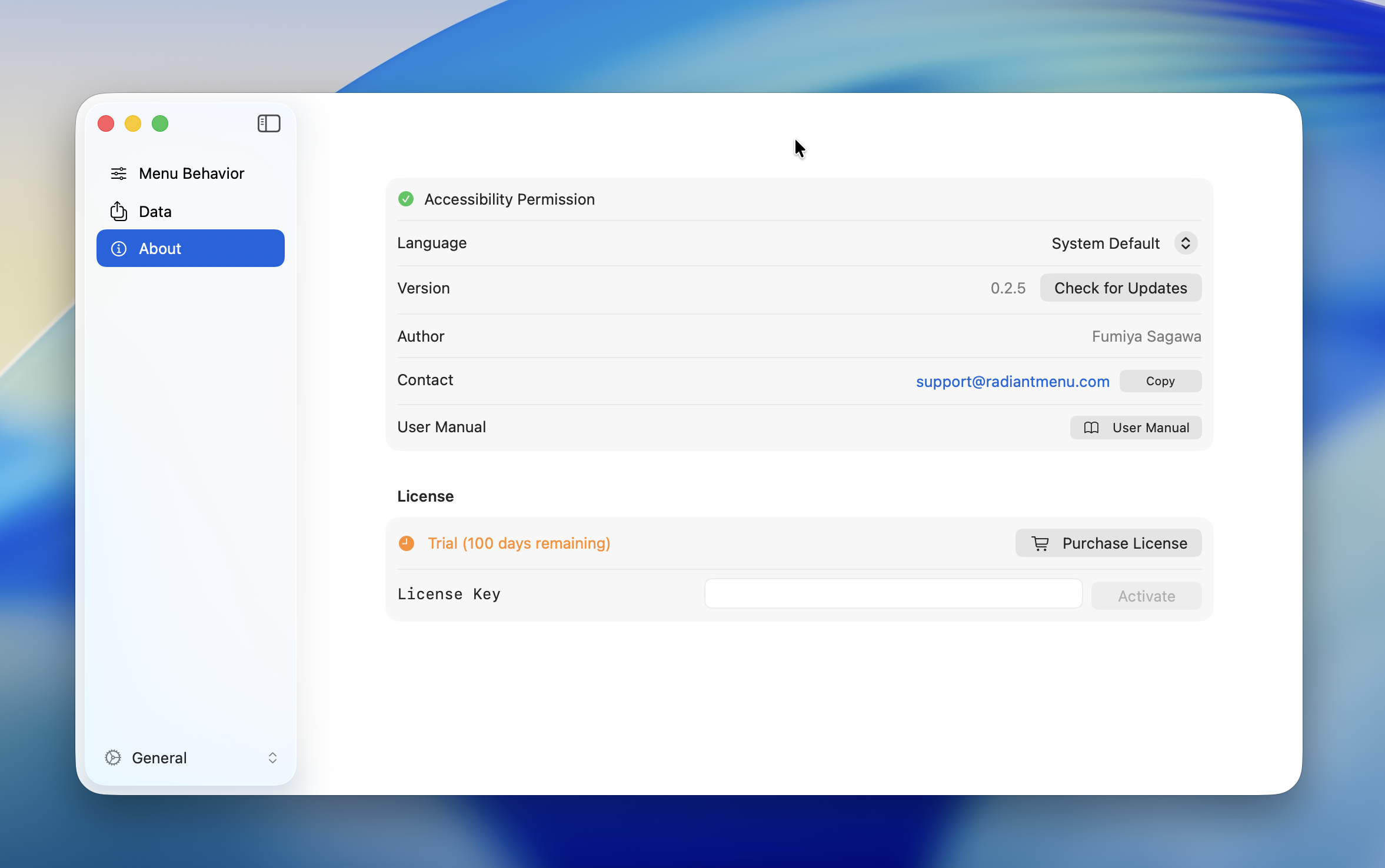
Required for Radiant to detect keyboard shortcuts.
When permission has not been granted, the status is shown in red. Click "Grant Access" to open macOS System Settings and enable it.
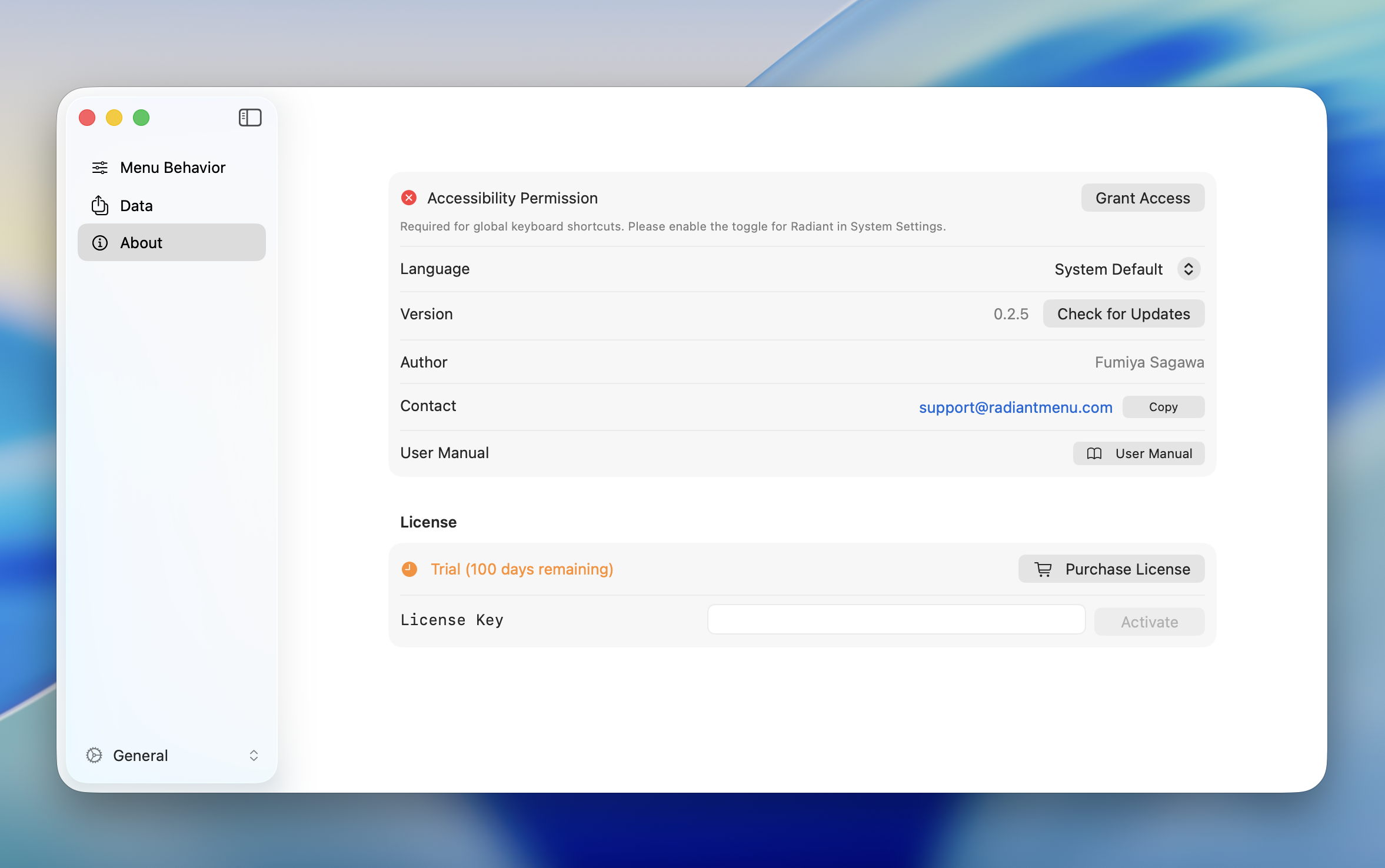
Once permission is granted, the status turns green.
TIP
For initial setup instructions, see Initial Setup.
Language
Switches the display language of the app.
| Option | Description |
|---|---|
| System | Follows the macOS system language setting |
| English | Displays the app in English |
| Japanese | Displays the app in Japanese |
WARNING
Changing the language requires an app restart to take effect.
Version & Contact
| Item | Description |
|---|---|
| Version | Shows the current app version. Click "Check for Updates" to check for the latest version |
| Author | Fumiya Sagawa |
| Contact | support@radiantmenu.com (click "Copy" to copy to clipboard) |
| User Manual | Opens this manual site |
License
Free Trial
Radiant offers a 30-day free trial. All features are available without restrictions during the trial period.
Check remaining trial days in the About tab.
INFO
When the trial expires, menus stop appearing. Purchase a license to resume using Radiant.
Pro License
A one-time purchase of $19 USD. Once purchased, you can use Radiant indefinitely with no additional fees.
Click "Purchase License" to go to the purchase page.
Activation
Enter your license key to activate Radiant.
- Enter the license key you received at purchase in the "License Key" field
- Click "Activate"
Once activation succeeds, the status changes to "Pro Activated."
Deactivation
Deactivate your license on the current machine when migrating to a new machine or transferring your license.
- Click "Deactivate"
- Confirm by selecting "Deactivate" in the confirmation dialog
After deactivation, the license is removed from this machine. You can reactivate with the same license key on a new machine.
Common Errors
| Error | Solution |
|---|---|
| Invalid license key | Verify the key is correct. Check for extra spaces when copying and pasting |
| Activation limit reached | Deactivate the license on another machine first, then try again |
| Network error | Check your internet connection. Activation requires network access |
| Activation failed | Wait a moment and try again. Contact support if the issue persists |
| Deactivation failed | Wait a moment and try again |